01
Start with a photo.
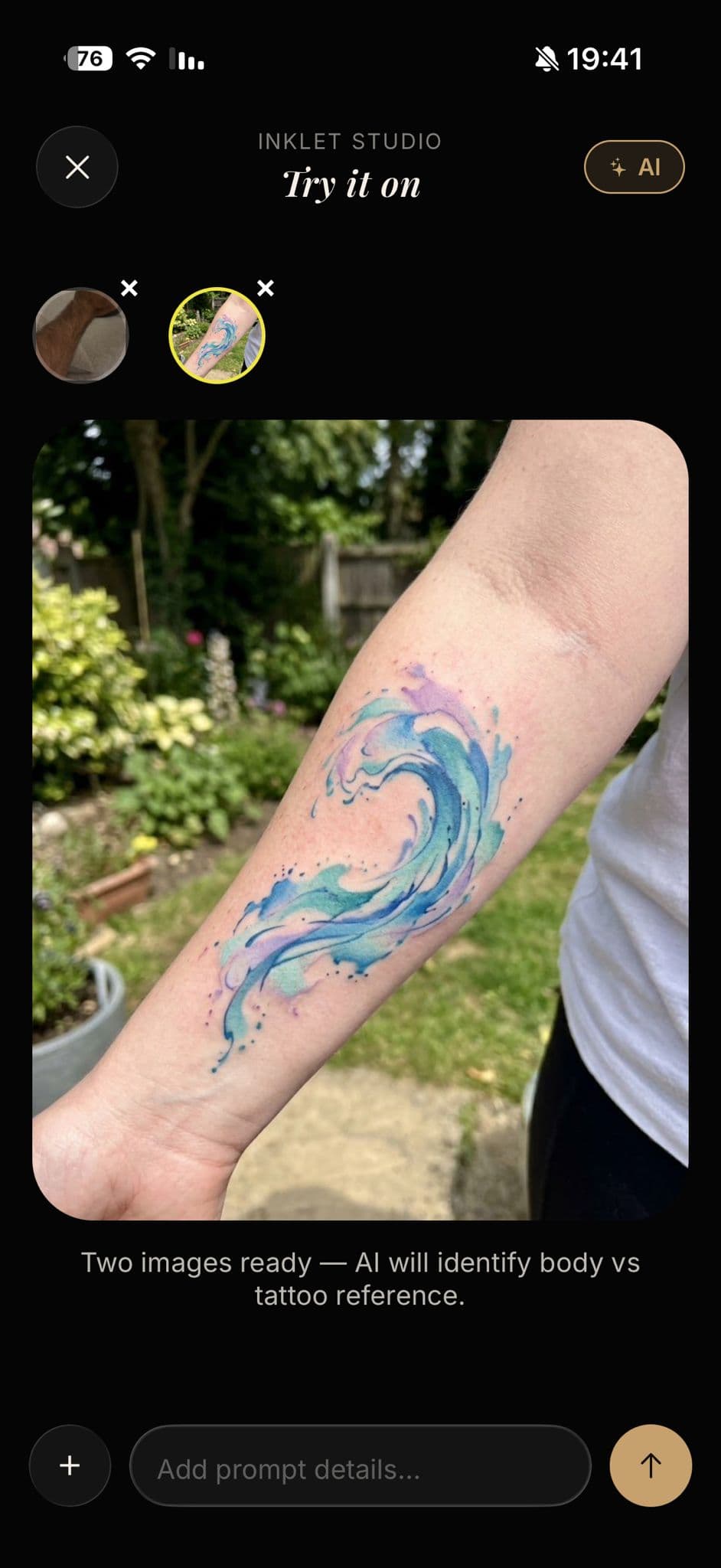
Upload a photo or describe the placement. Inklet builds a tattoo preview that matches your skin and lighting.
AI tattoo studio
Photorealistic tattoo previews from prompts, references, and your own body photos — so you walk into the studio knowing exactly what belongs on you.
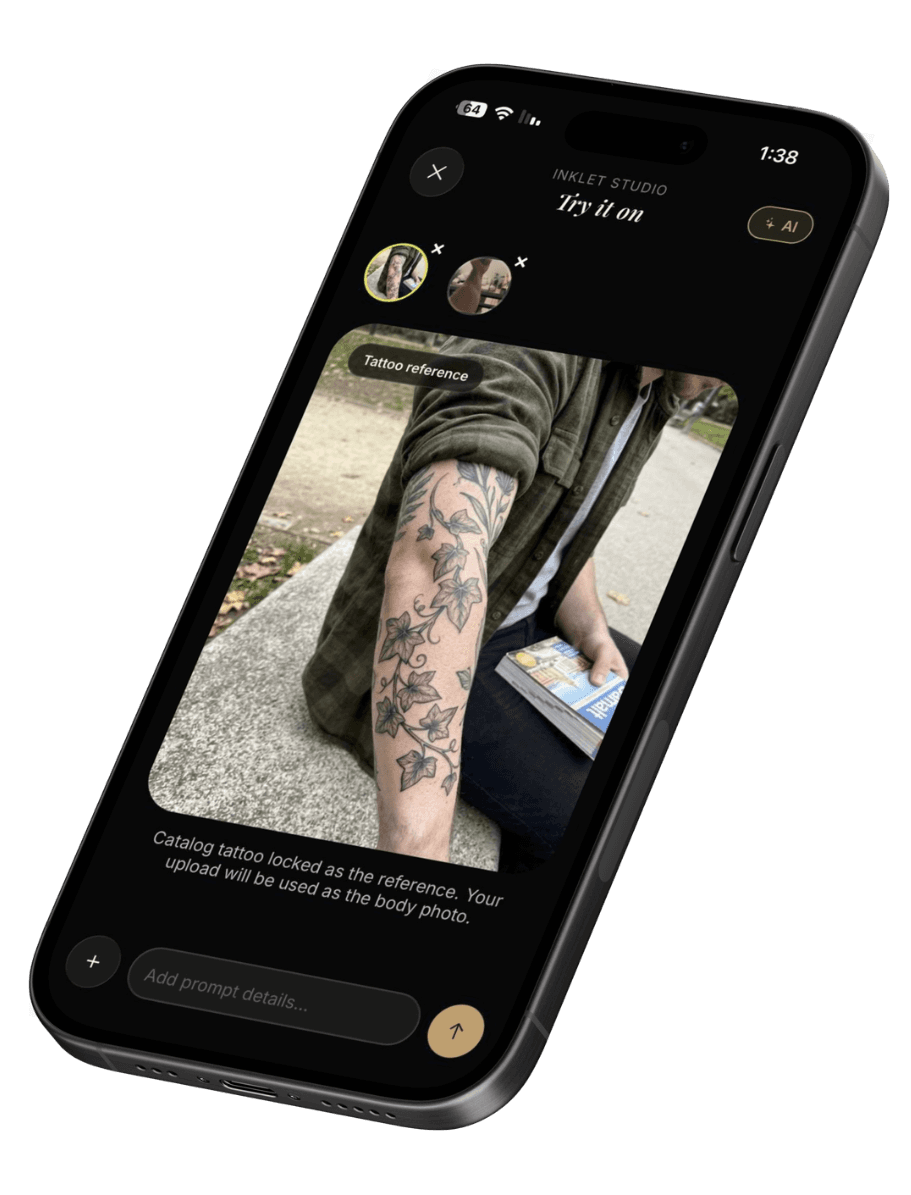
How it works
Three steps, one flow. From first idea to a preview you can show your artist.
Upload a photo or describe the placement. Inklet builds a tattoo preview that matches your skin and lighting.
Explore different styles, placements, and sizes. Instantly see how your tattoo looks on you for total confidence in your choice.
Fine-tune details, adjust contrast, and export your favorite version — ready to share with your artist.
Preview
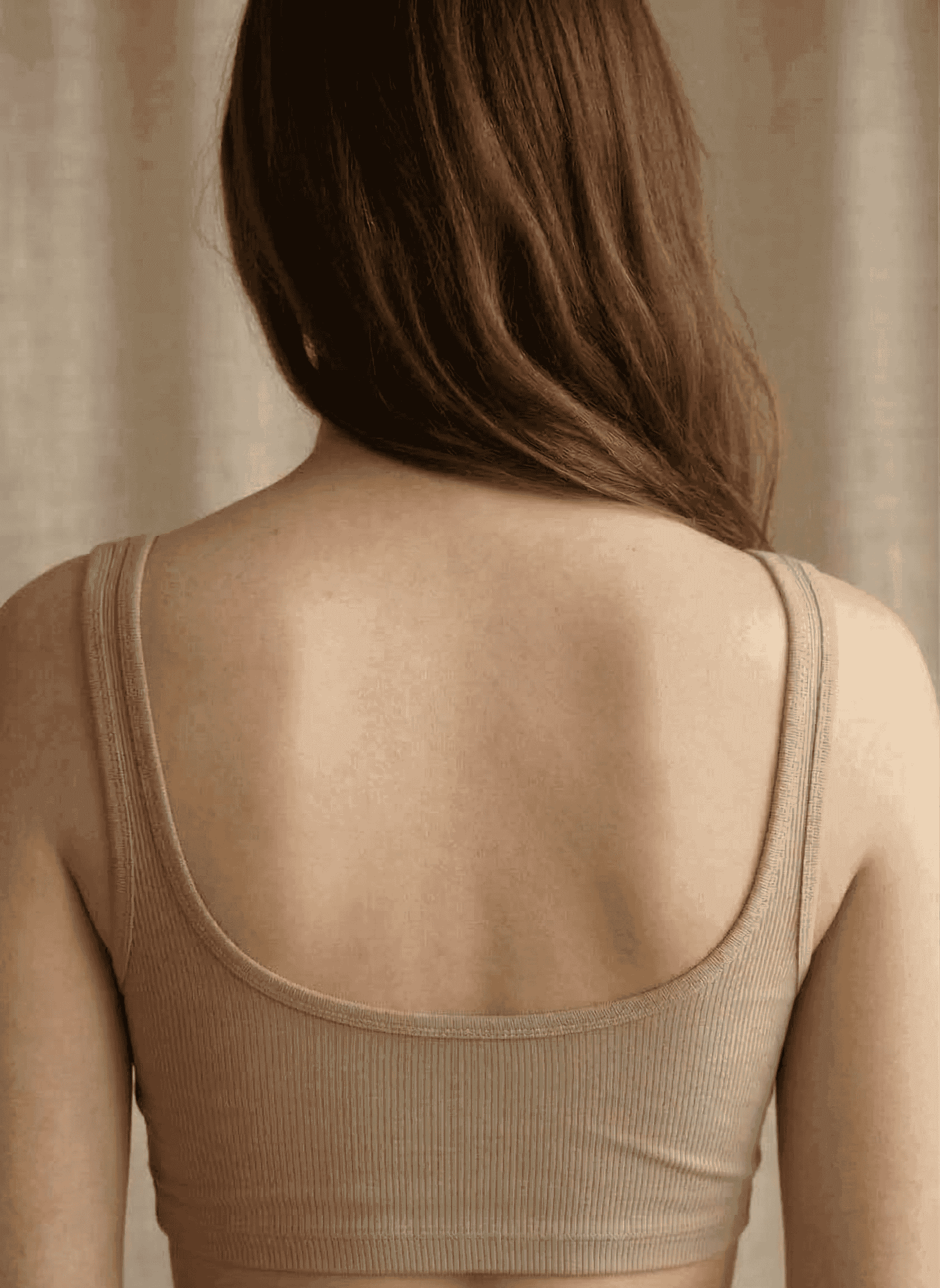
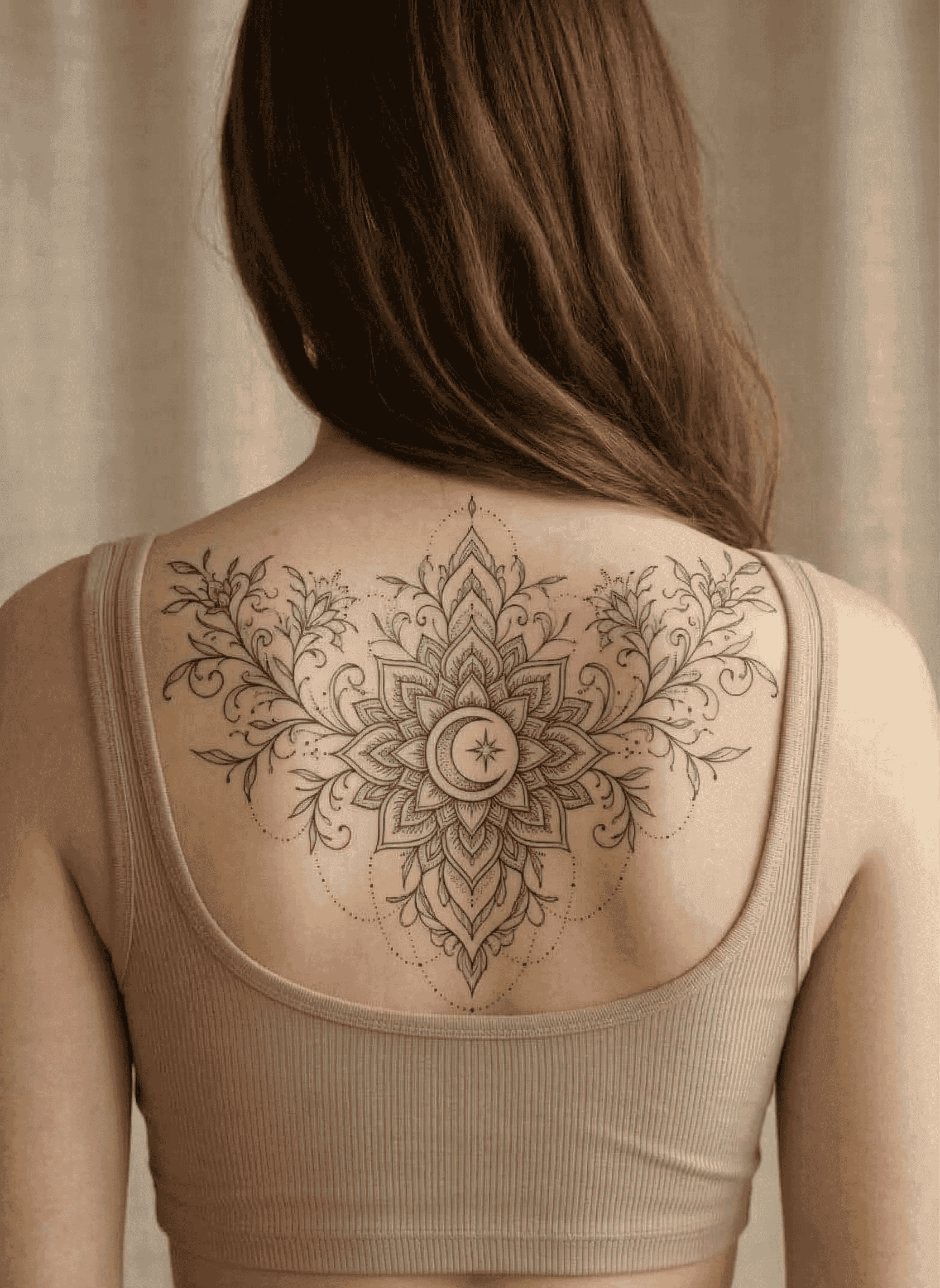
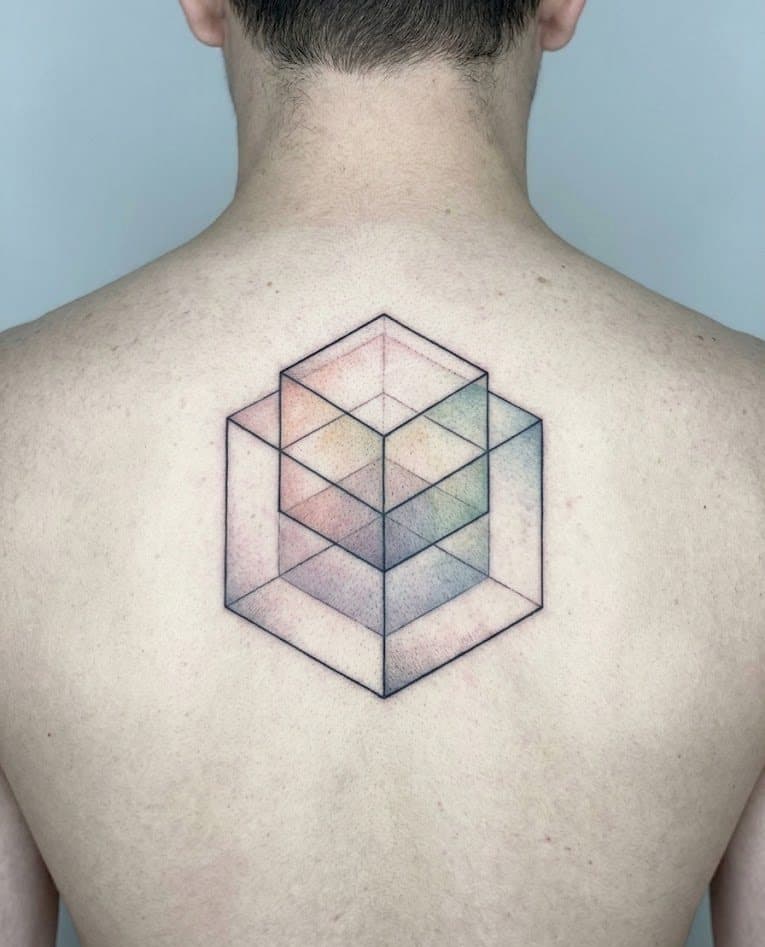
Drag between the clean photo and the preview. Judge size, angle, and placement in the same frame — no guesswork, no second-guessing.
Styles
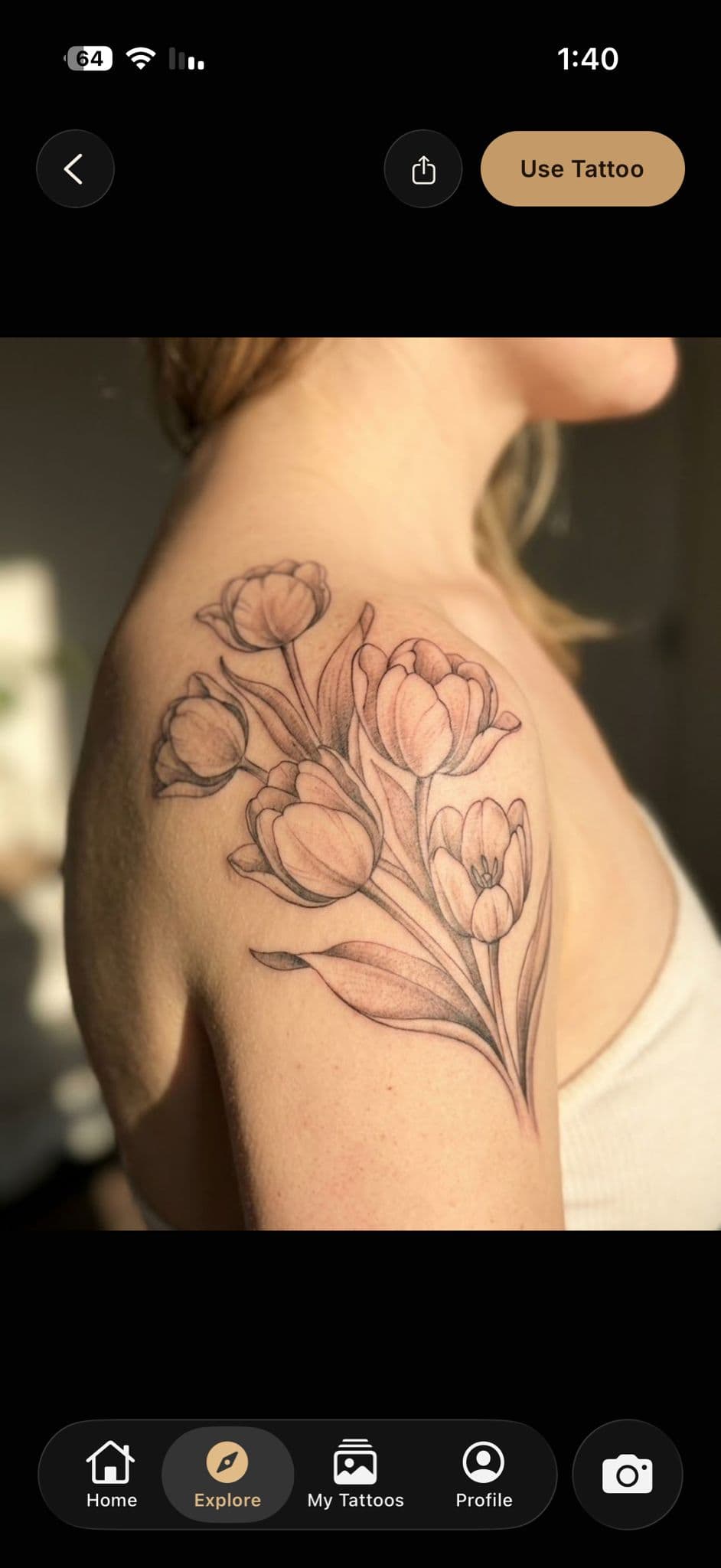
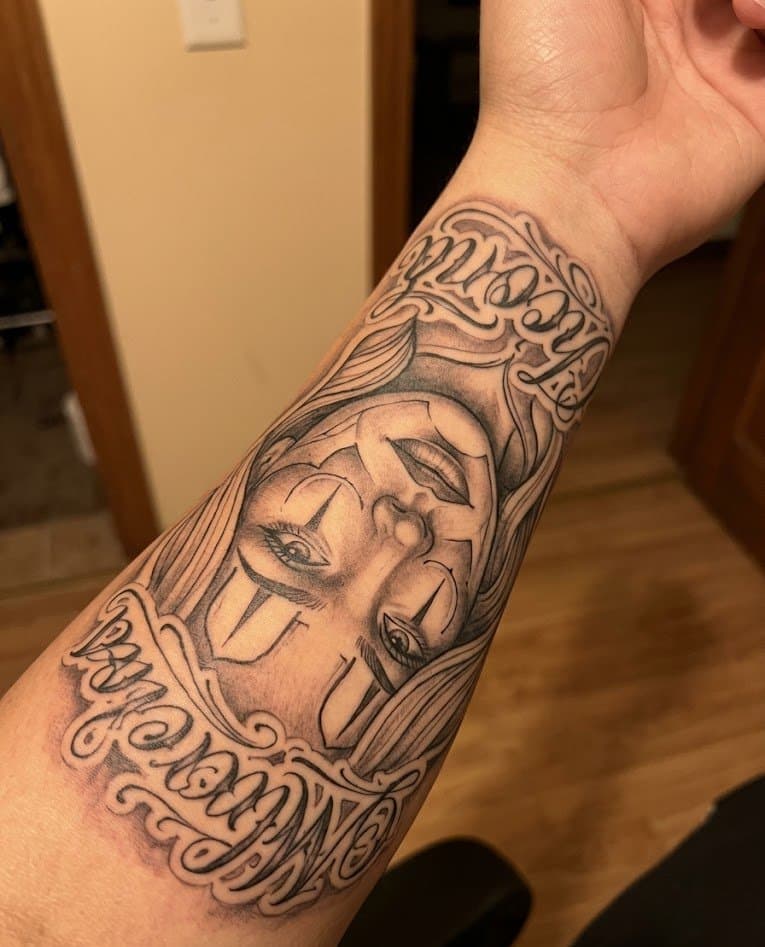
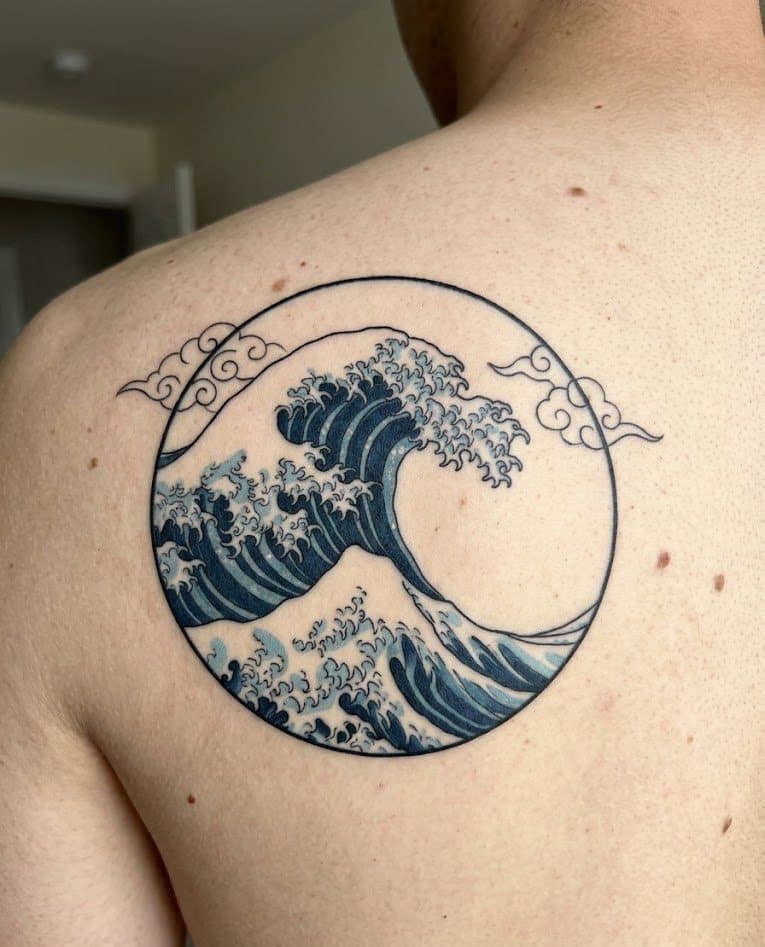
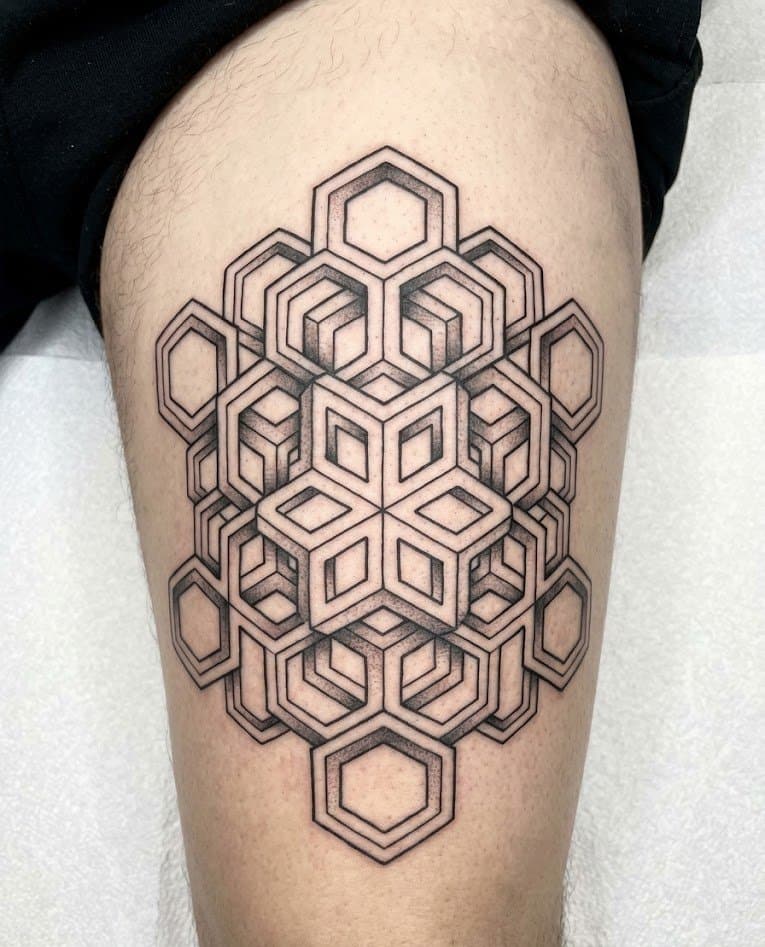
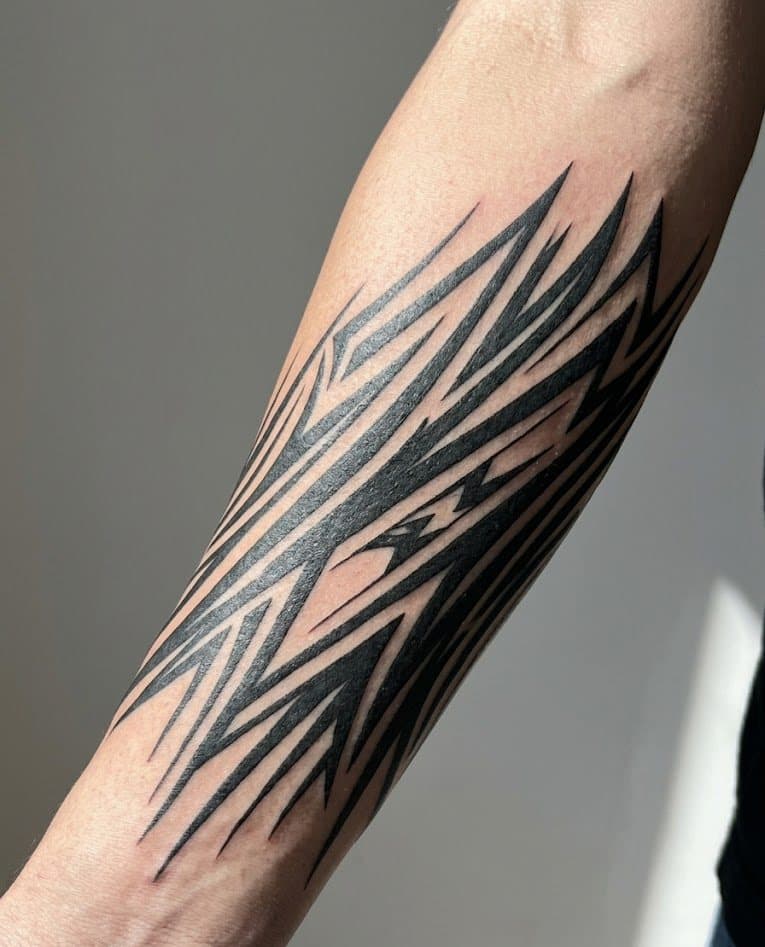
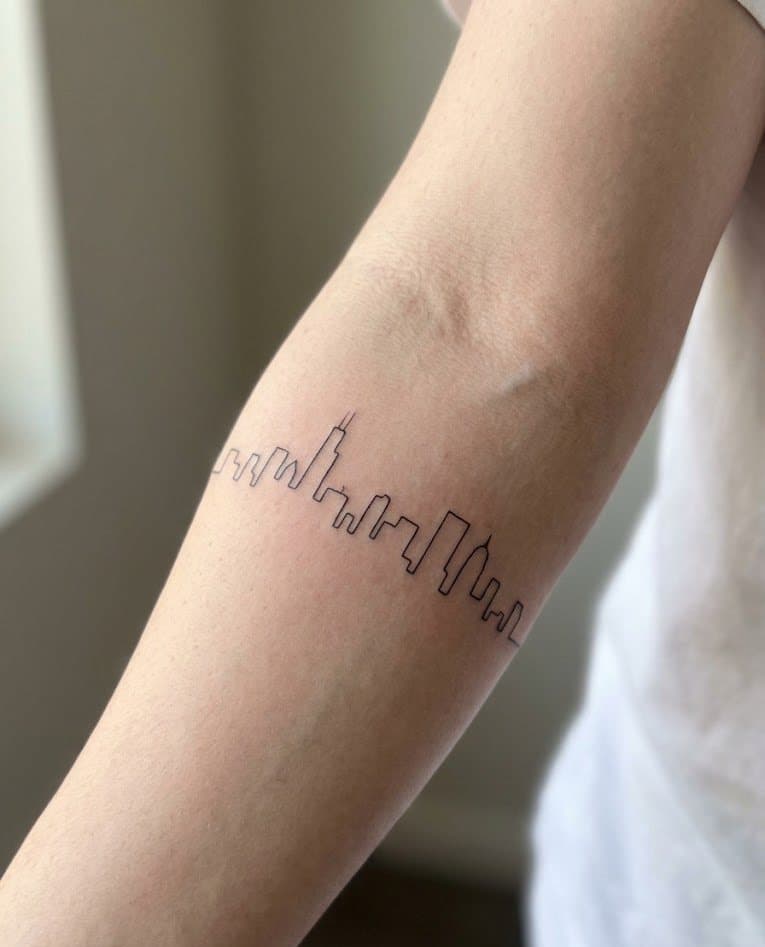
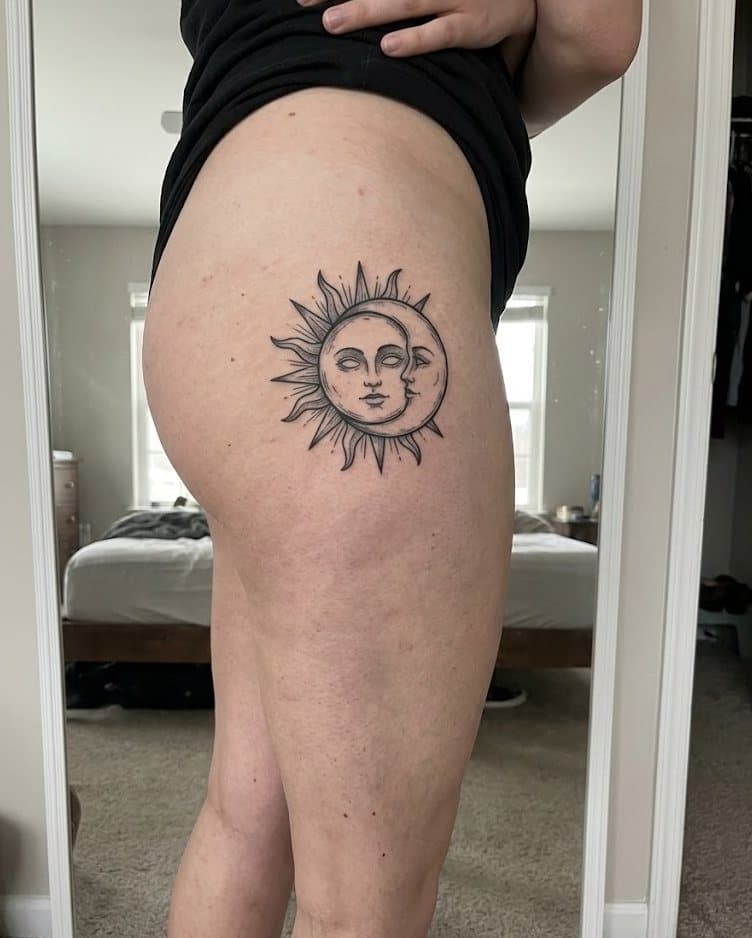
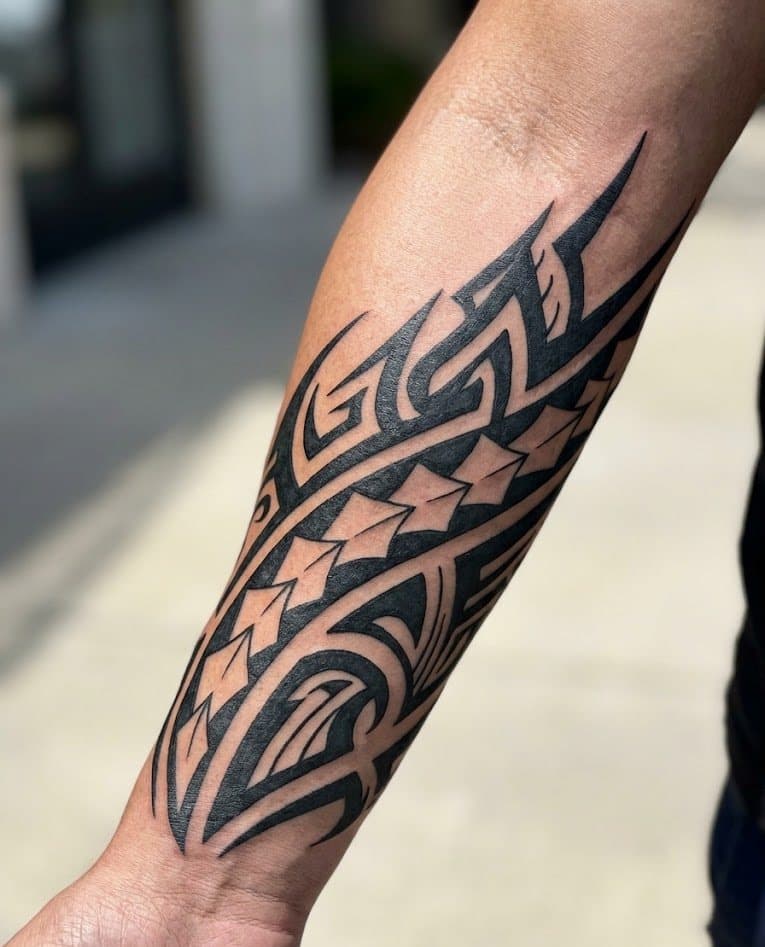
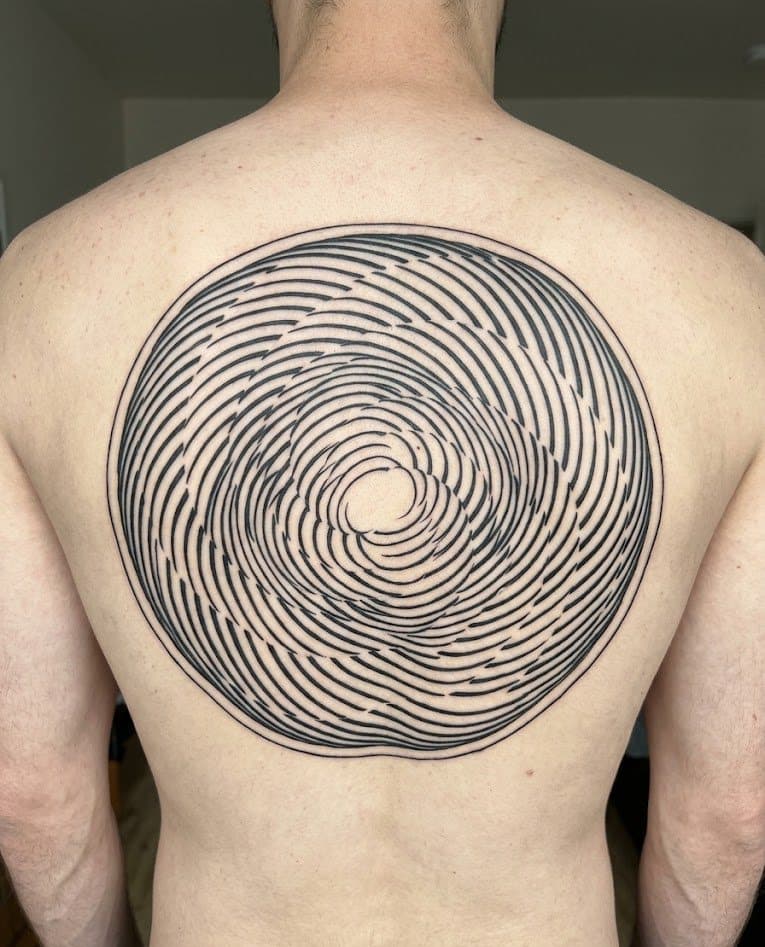
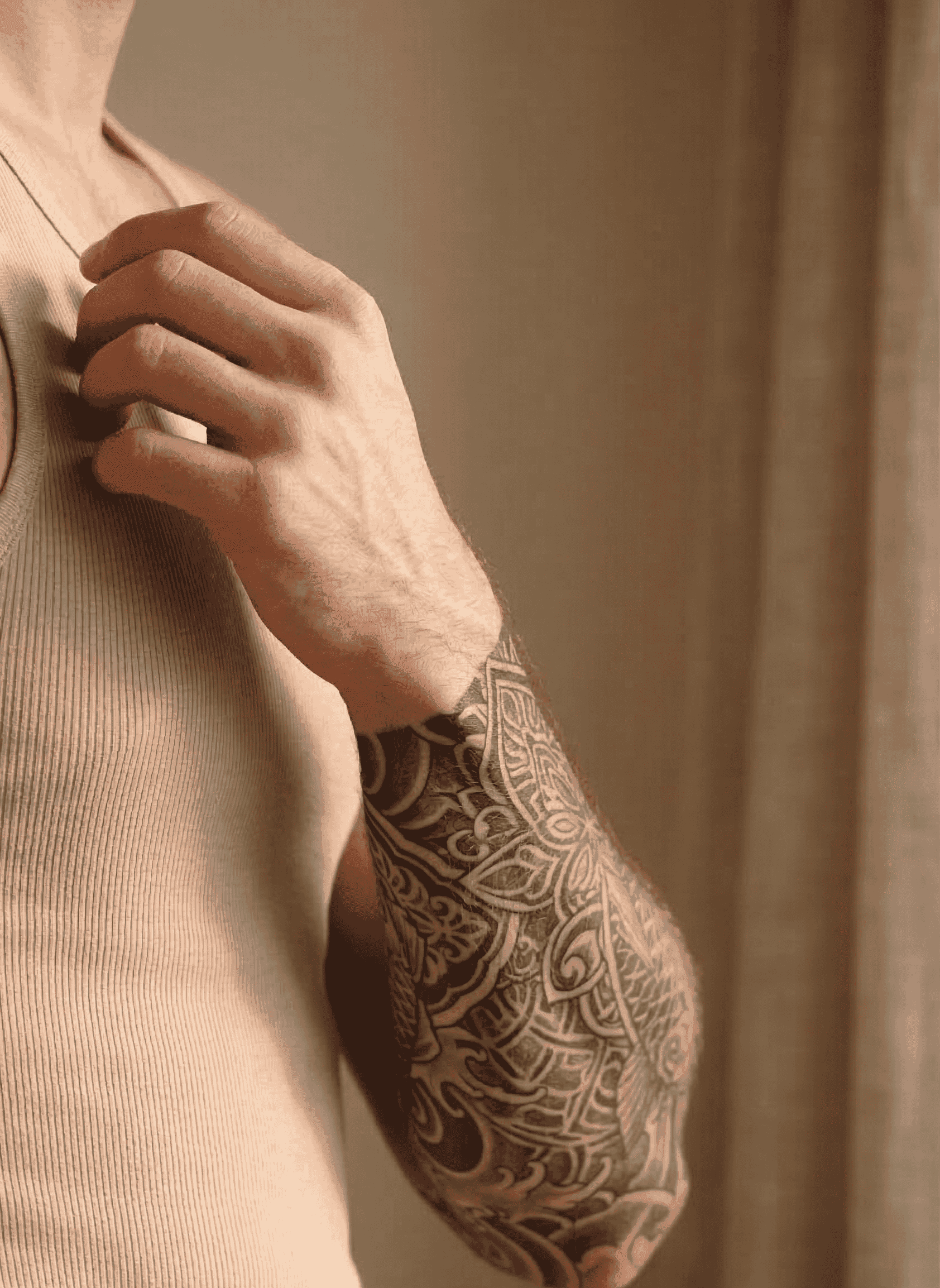
Fine line to photorealism. Browse every major tattoo style, or start from your own prompt and steer the direction yourself.
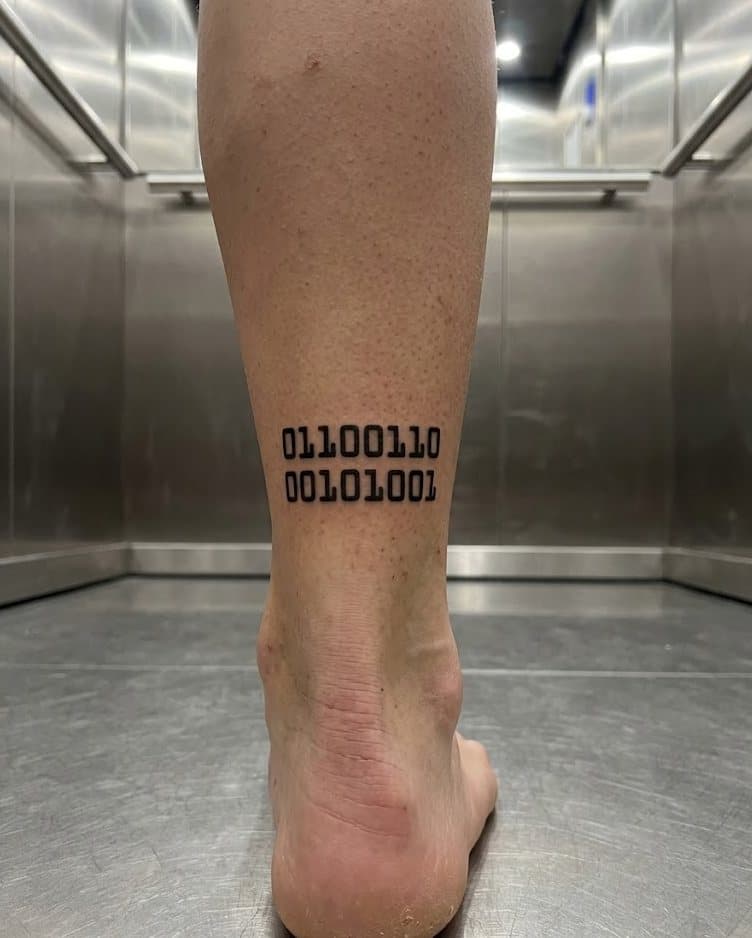
Fine line
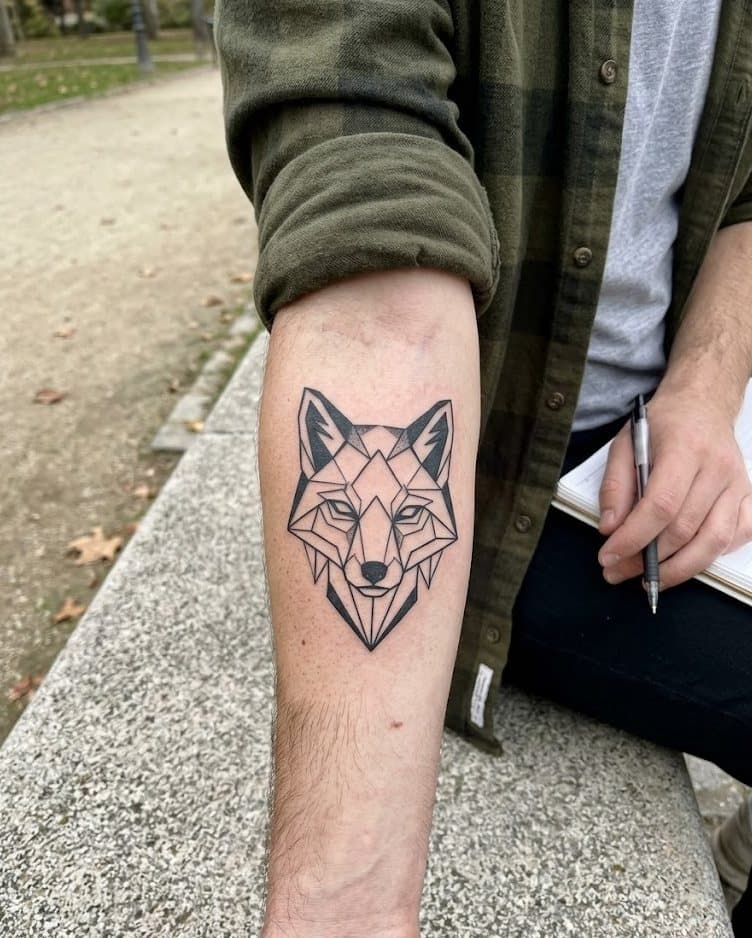
Blackwork
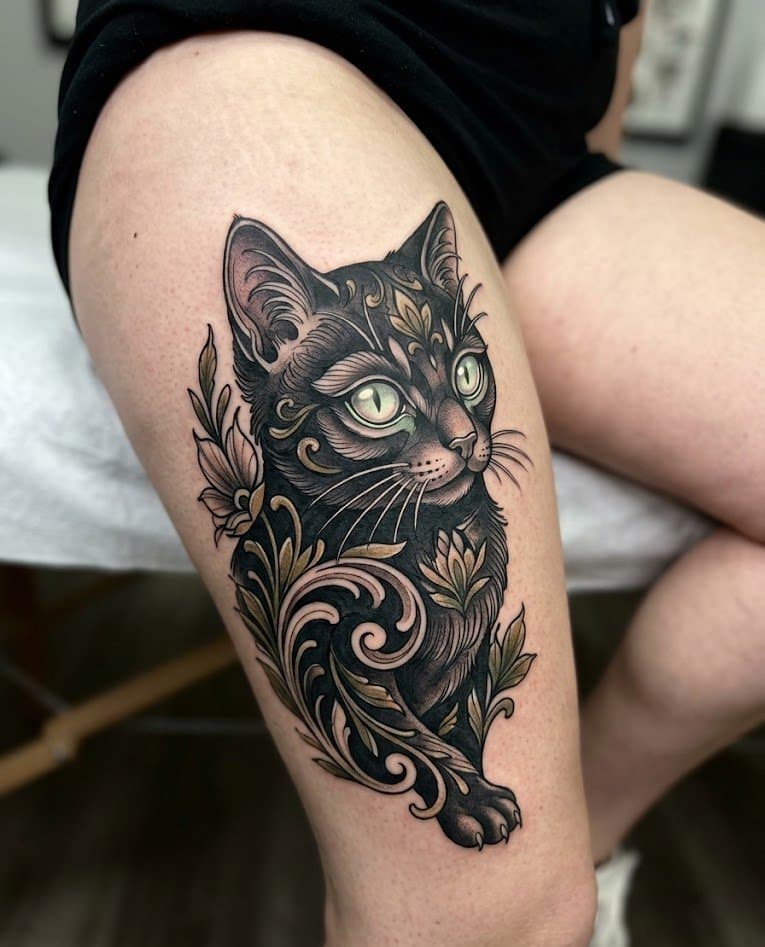
Watercolor
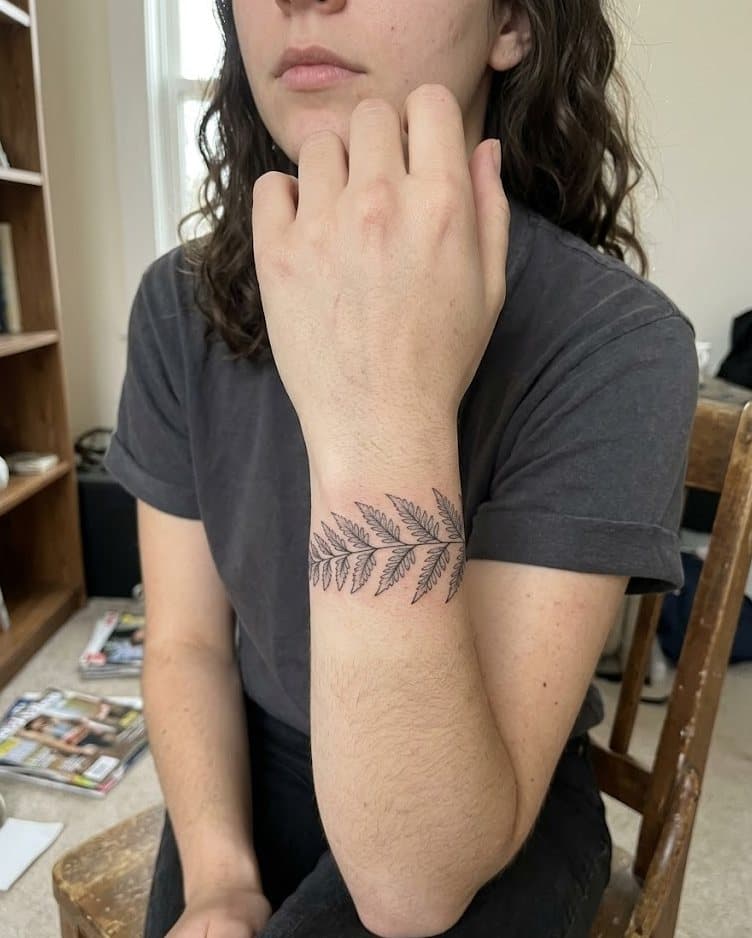
Photorealism
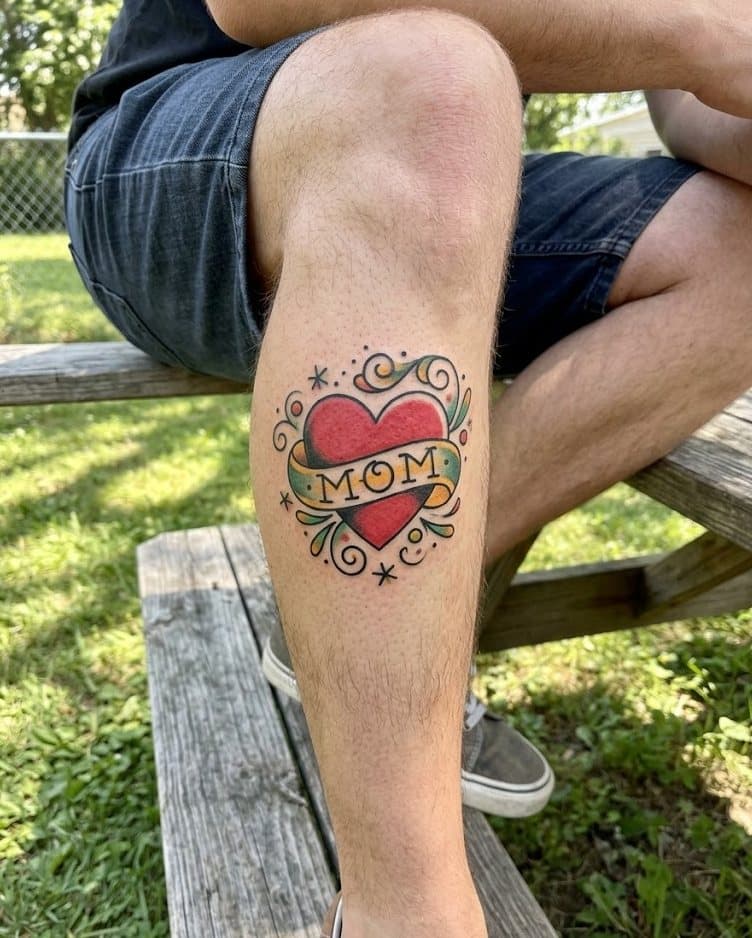
Japanese
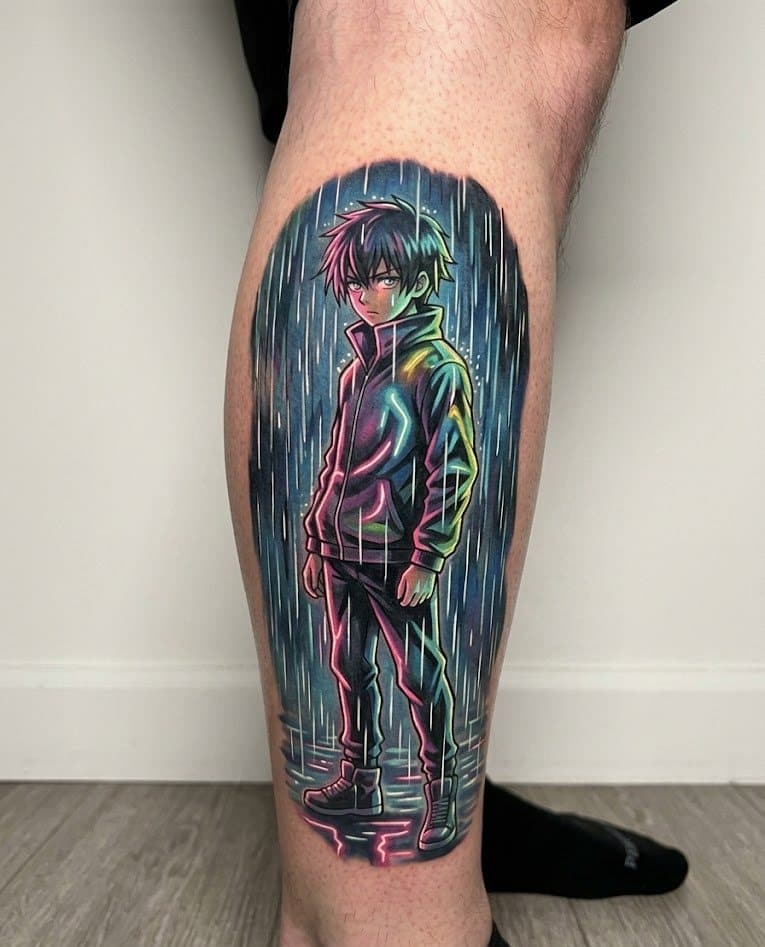
Dotwork
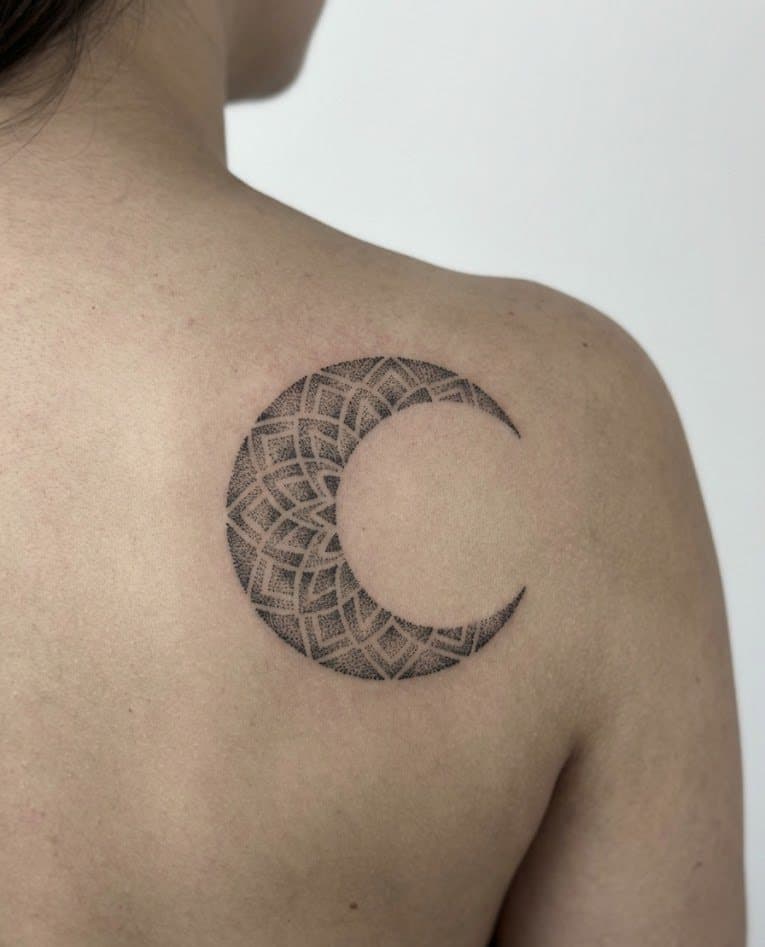
Minimal
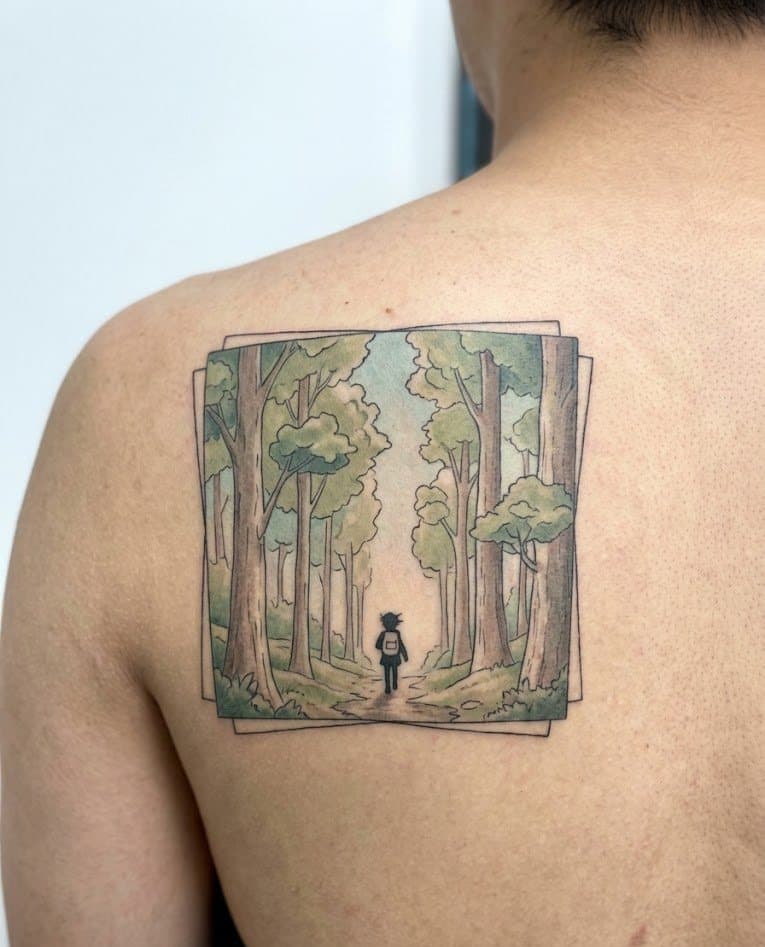
Traditional
Meet Inklet
Generation, discovery, and your saved work live in the same place — so the app feels guided, not fragmented.

Generate
Describe what you want or drop a reference. Inklet turns your vision into a preview tuned to your body and lighting.
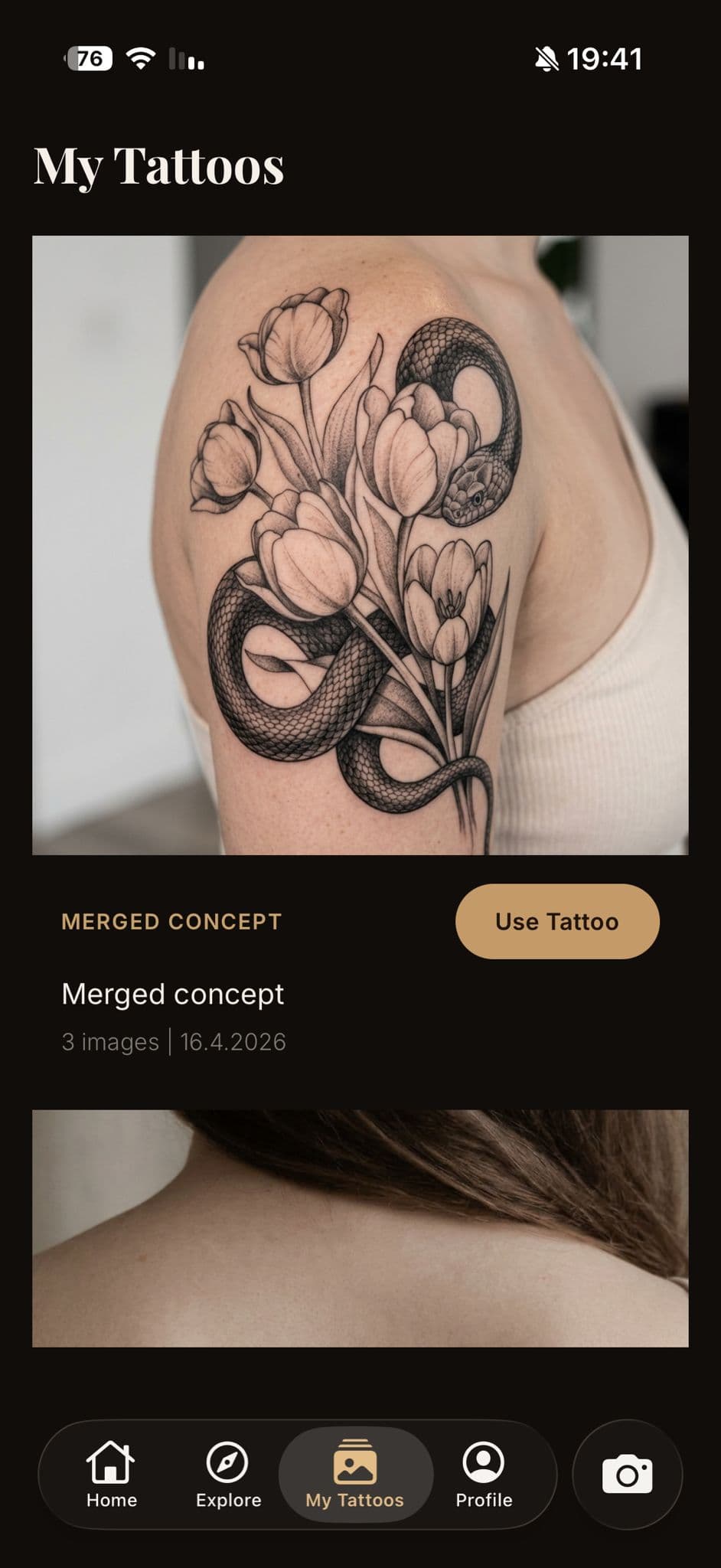
Saved
Keep strong options close. Compare merged versions. Return to what you liked.
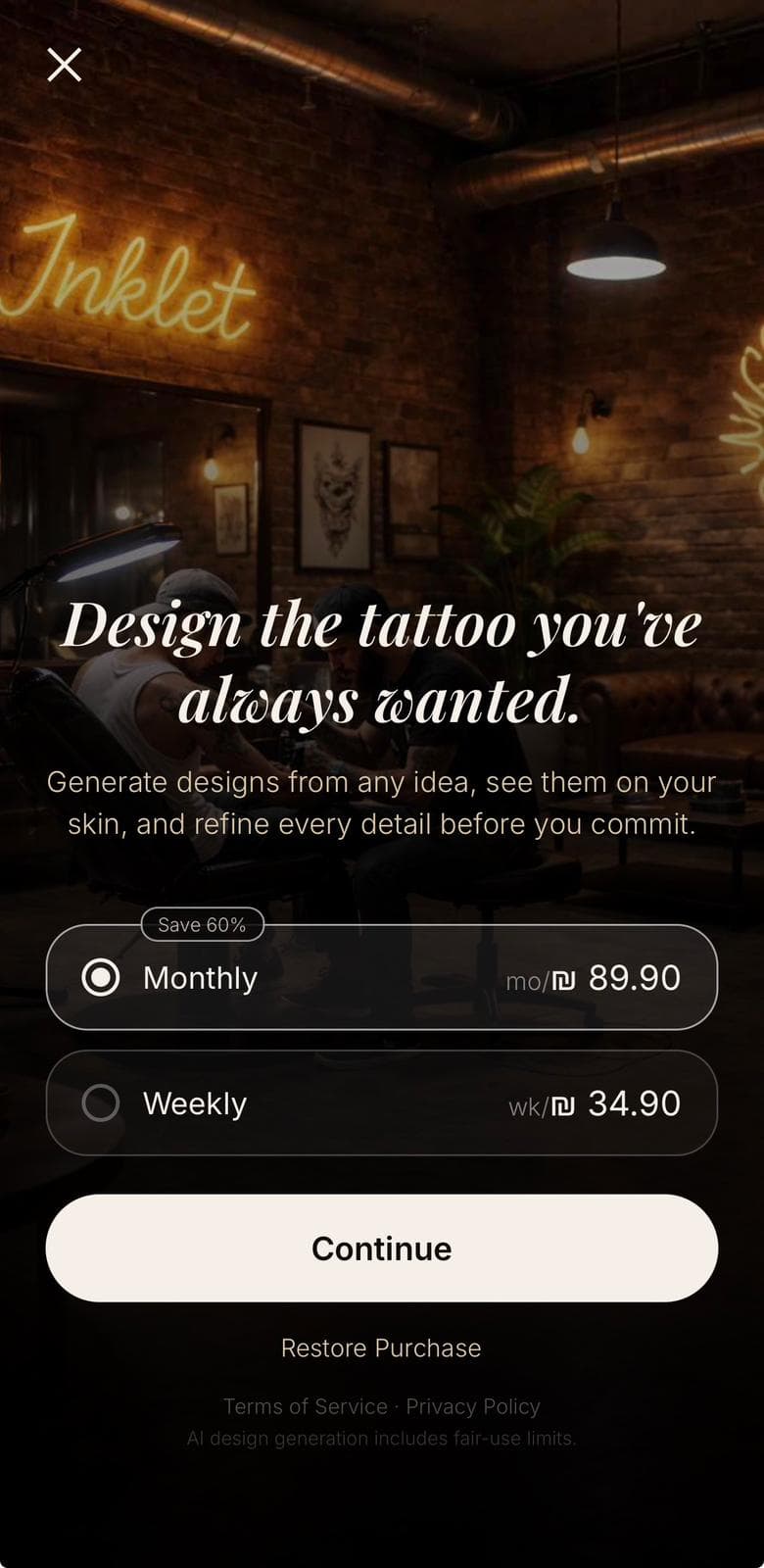
Premium
Unlimited previews, higher-fidelity renders, and the full style catalog — one tap away.
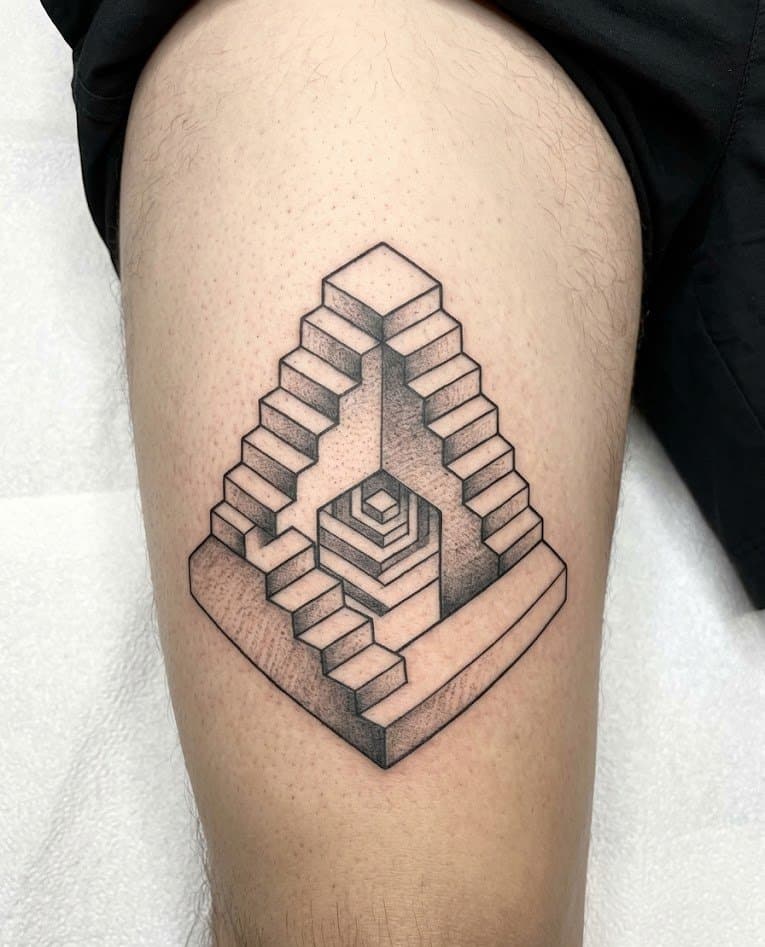
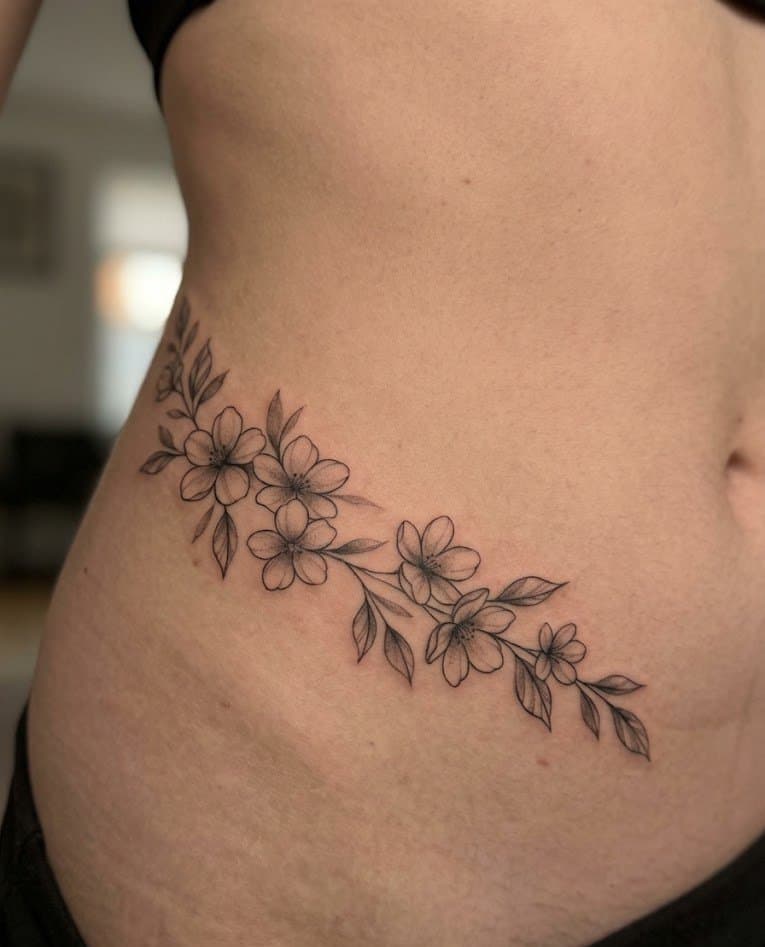
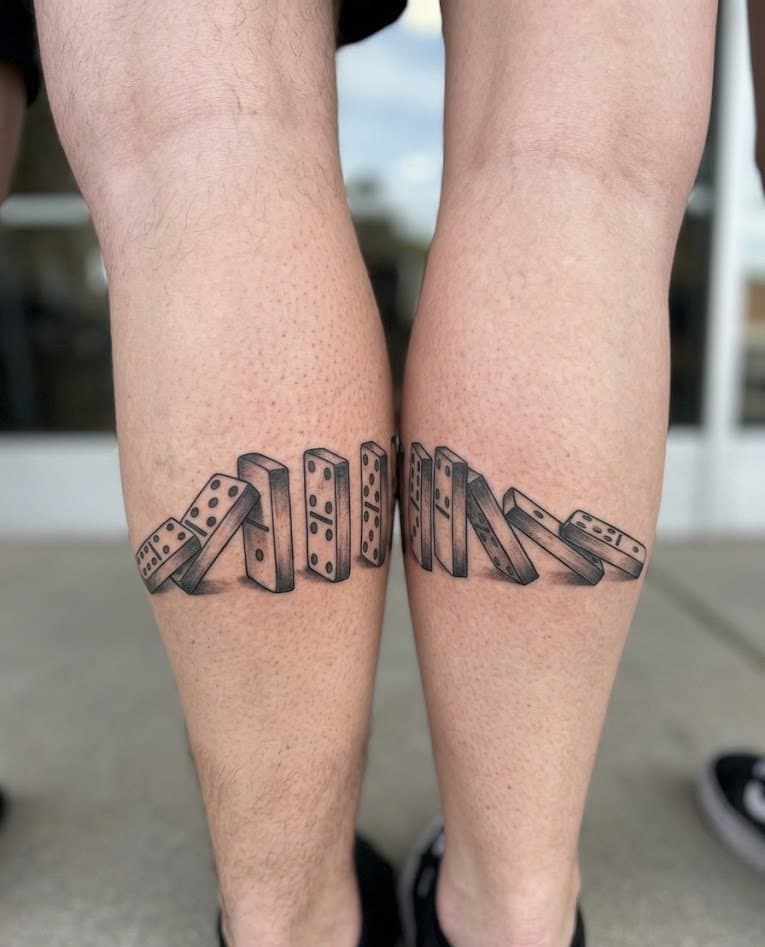
Gallery
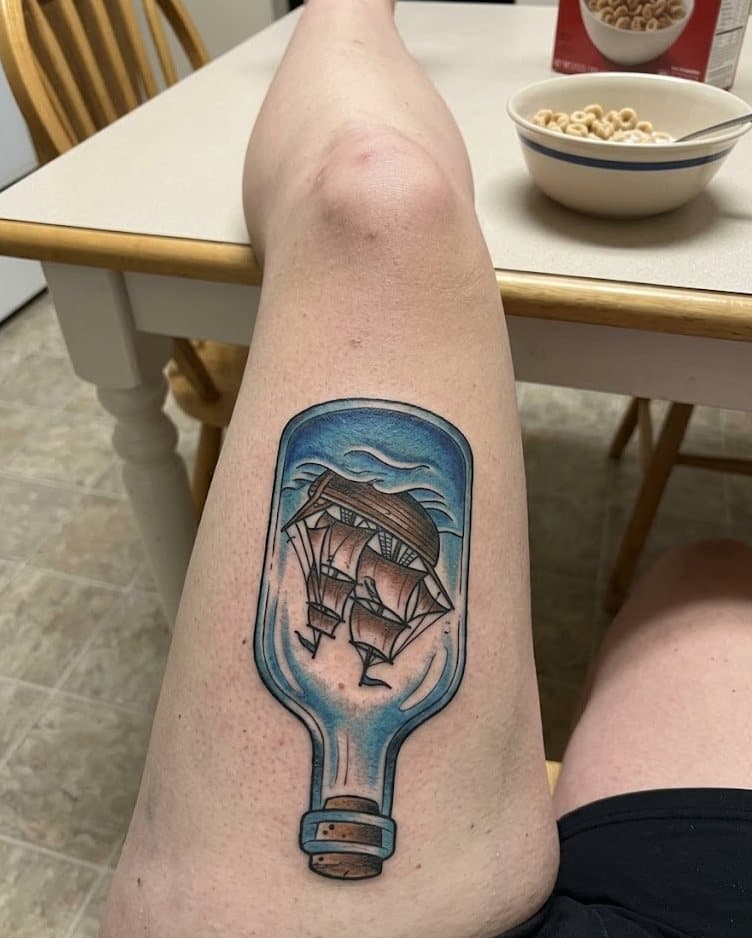
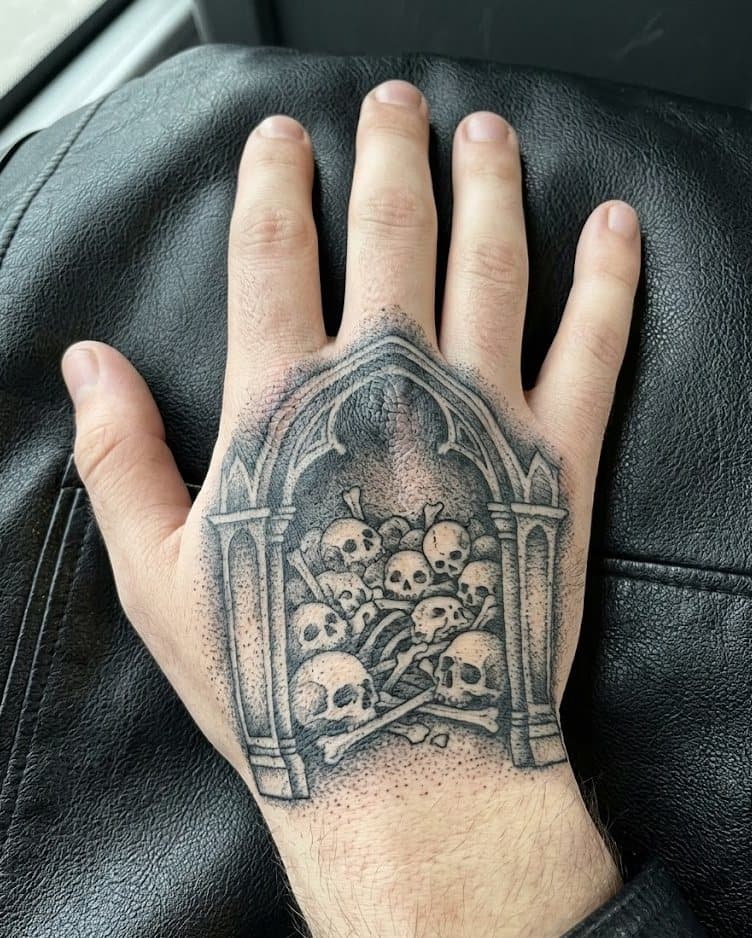
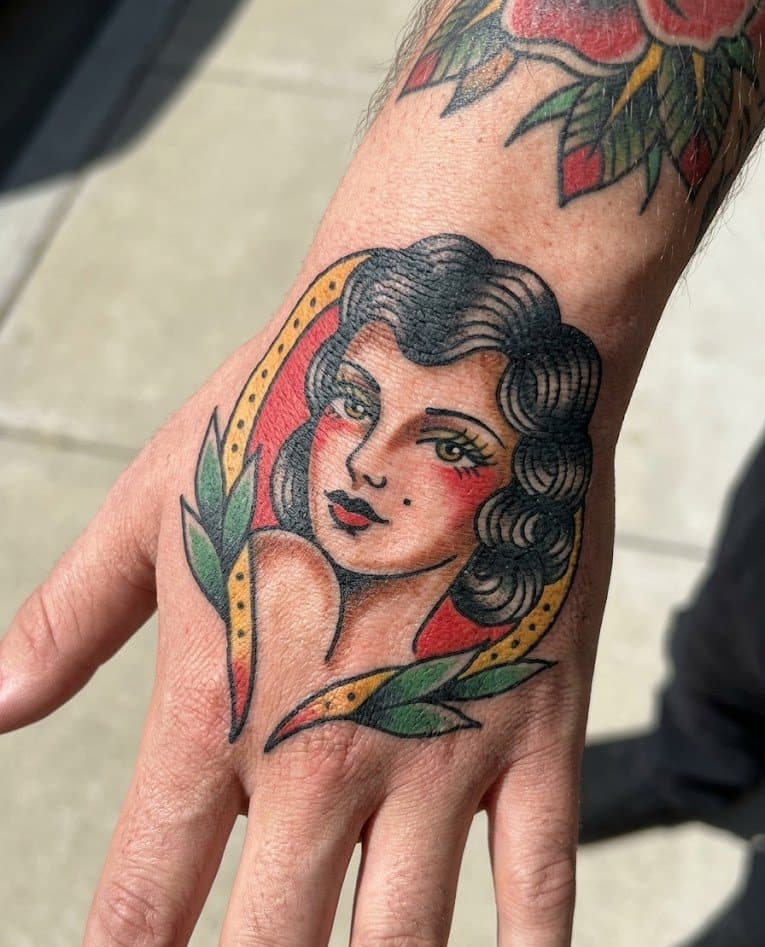
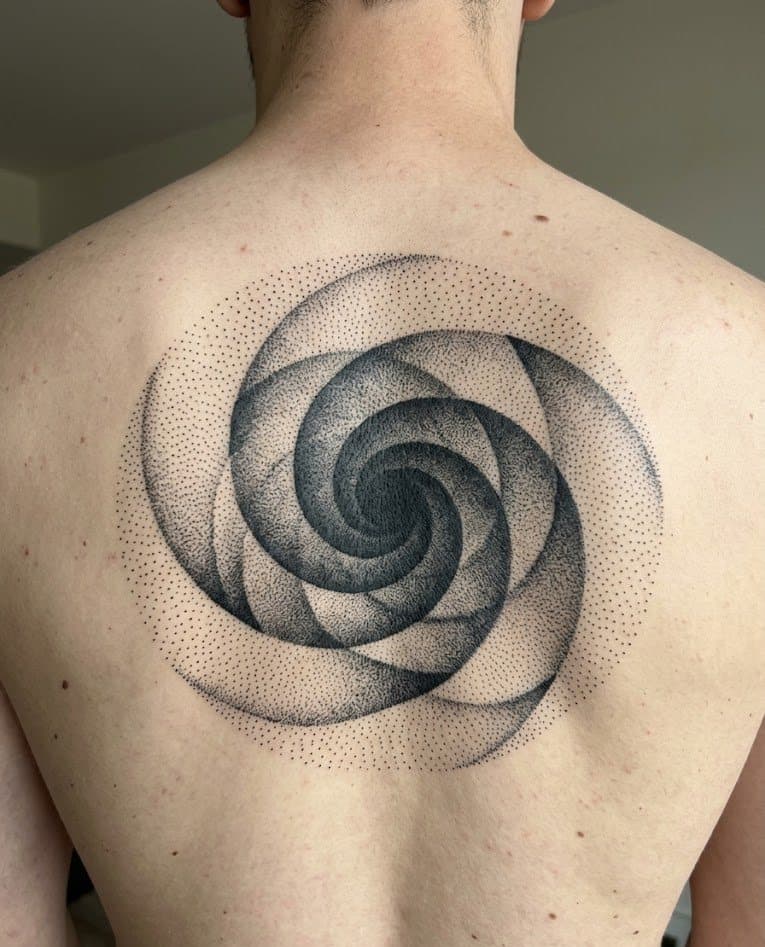
A slow, always-moving wall of references. Tap into anything that catches your eye and bring it into the flow.
FAQ
Inklet is available on the App Store. Search for “Inklet” or tap Download at the top of this page.
The core preview tools are free to use. Inklet Plus unlocks unlimited previews, higher-fidelity renders, and the full style catalog.
Yes. Inklet renders with photo-realistic attention to skin texture, lighting, and placement geometry — close to how the tattoo will actually sit on your body.
Every skin tone. Previews are tuned to the specific body photo you upload, not a generic template, so ink reads naturally across the full range.
Arms, shoulders, backs, legs, ankles, ribs, hands, and smaller placements. If the spot is visible in your photo, Inklet can render the tattoo on it.
Yes. Inklet supports both prompt-led generation and reference-led uploads — the try-on flow handles both the same way.
Photos are encrypted in transit and auto-deleted after 30 days unless you save them. We never share uploaded photos with third parties outside of the AI processing necessary to generate your preview.
Saved concepts stay close, you can compare merged versions, and you can re-generate with tweaks at any time before you commit.
Download Inklet
Inklet is free to download. Preview your first tattoo in under a minute.